

Download Chrome Toolbox – Multimedia Shortcuts, Tab Management, Browser Customization
Overview
Chrome Toolbox is a utility-focused toolset designed to enhance the browsing experience within Google Chrome. Tailored for users seeking greater control and efficiency in their daily web interactions, the app provides a suite of features aimed at streamlining multimedia handling and tab management. It addresses common pain points such as difficulty in saving or organizing media files, cumbersome tab navigation, and the lack of customization options in standard browsing environments. The app serves as a supplemental layer for Chrome users who want to optimize their workflow, particularly those managing multiple tasks across numerous tabs or frequently downloading and modifying digital content.
While the developer has not disclosed additional background details, the app has been available since its release on April 29, 2011, indicating a long-standing presence in the Chrome ecosystem. Its enduring relevance suggests consistent functionality and reliability over time. Real-world use cases include content creators who need to quickly save images or resize media, students managing research tabs, and professionals juggling multiple work-related browser windows. Chrome Toolbox fills a niche by offering practical tools that integrate directly into the Chrome environment, making it a valuable asset for anyone looking to improve browsing productivity and personalization.
Key Features & Functionality
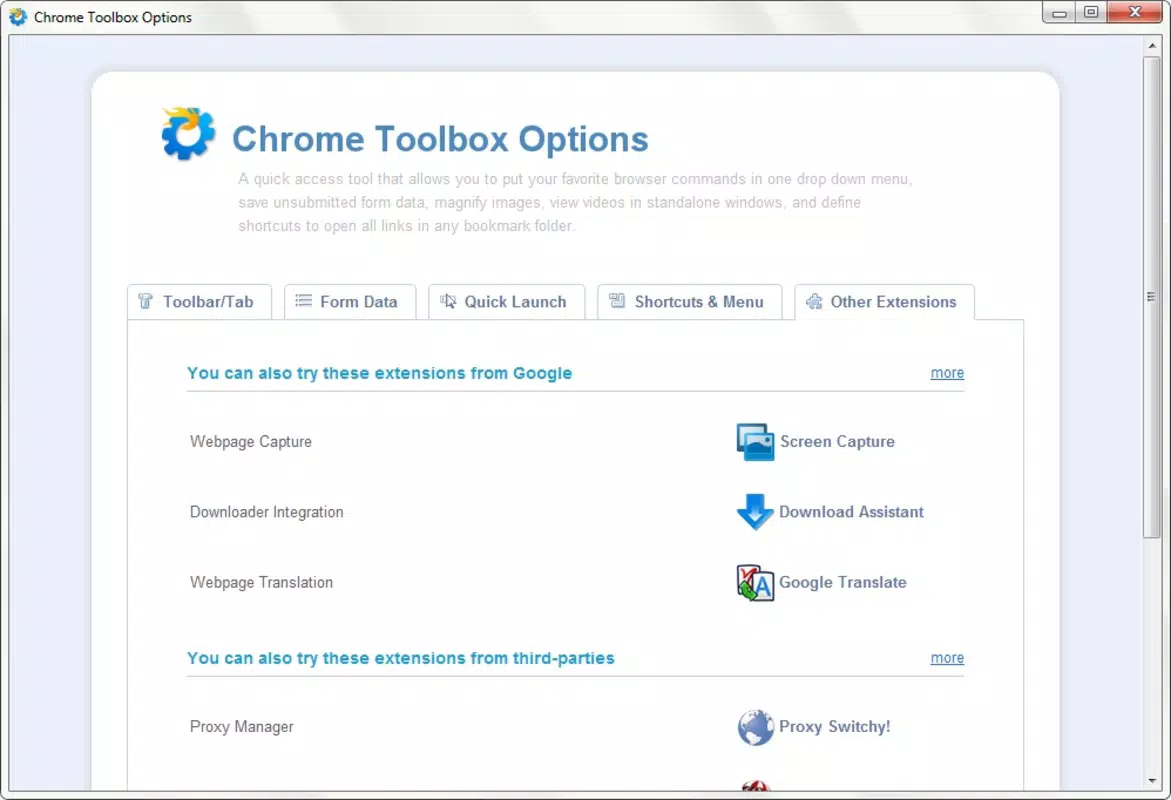
- Multimedia Shortcuts: Enables users to save files, set images as desktop backgrounds, or resize images with minimal effort. This feature reduces the number of steps required to manage digital media, improving efficiency during content curation or creative workflows.
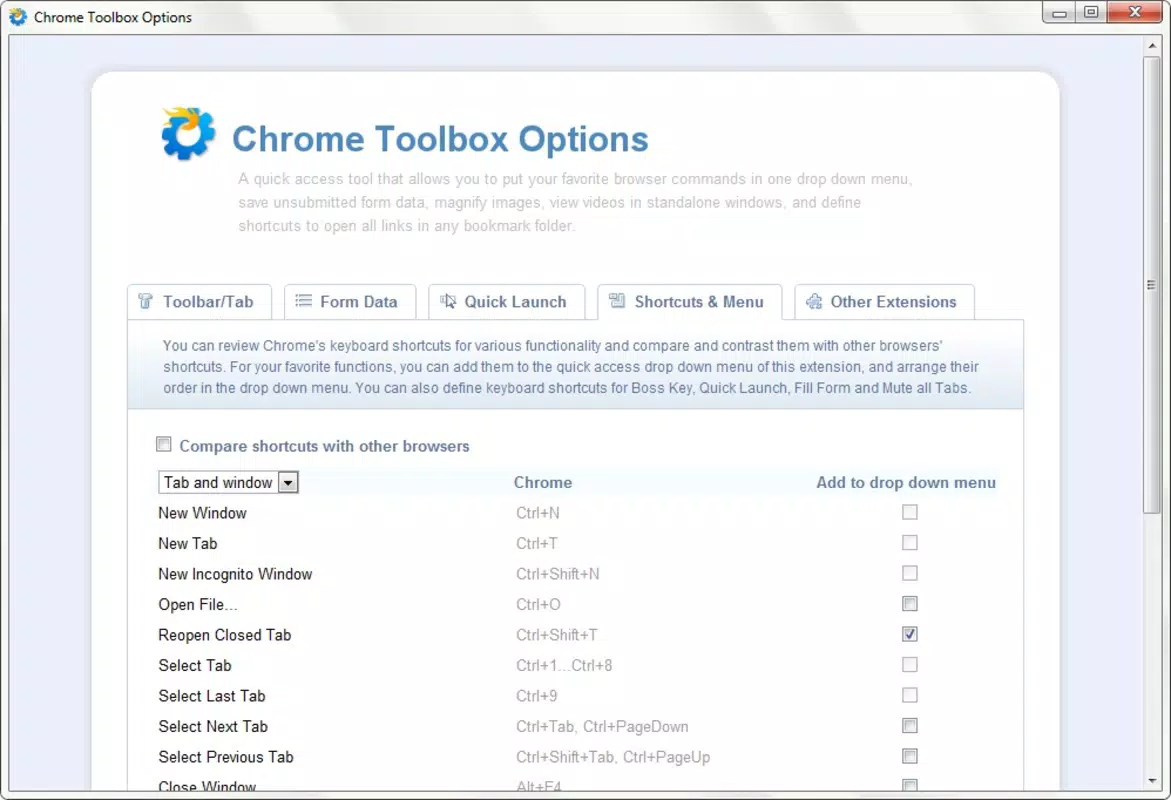
- Enhanced Tab Management: Offers advanced actions when closing the browser, such as saving open tabs for later use or organizing them by groups. This is especially beneficial for users who frequently switch between projects or research topics.
- Browser Customization Options: Provides adjustable settings that allow users to tailor the browsing interface and behavior to their preferences. These options contribute to a more personalized and comfortable browsing experience.
- Extra Functionalities: Includes additional tools that support productivity, security, and content organization. Though specific functions are not detailed, these extras suggest a broader aim to improve overall web interaction efficiency.
For example, a user preparing a presentation can use the multimedia shortcuts to quickly download and resize reference images without leaving the browser. Similarly, a researcher can benefit from tab management features to preserve and reorganize open pages after a session. The customizable settings allow users to fine-tune their environment, reducing friction in routine tasks. These features collectively aim to reduce browser-related inefficiencies and promote a smoother, more intuitive online experience.
Interface, UX & Performance
The interface of Chrome Toolbox is designed to integrate seamlessly with the Chrome browser environment, maintaining a clean and functional layout. Users interact with the toolset through accessible menus or context-sensitive options, ensuring that core functions are easy to locate and use. The visual style remains consistent with Chrome’s design language, prioritizing usability over ornamentation.
Navigational flow is straightforward, with most features accessible through a single click or a right-click context menu. This minimizes learning curves and supports quick adoption, especially for users familiar with Chrome’s ecosystem. Although the developer did not list formal performance metrics, the app’s long-term availability suggests stable operation across various device configurations. It appears to function reliably on both older and newer systems, indicating efficient resource usage.
Responsiveness is maintained during typical browsing tasks, with minimal lag or interference. Stability is supported by its consistent presence since 2011, though no official updates have been documented. Users can expect predictable behavior during regular use, though the lack of recent updates may raise concerns about compatibility with future Chrome versions. Nonetheless, the app remains functional within its intended scope.
Platform Compatibility & Technical Requirements
Chrome Toolbox is designed for use with the Google Chrome browser, making it compatible with both Android and iOS platforms, as Chrome is available across these systems. The app’s file size is not specified in the provided data, nor are the minimum OS requirements or specific version compatibility details. The developer did not disclose formal technical specifications, including supported Chrome versions or device categories.
Compatibility information was not fully disclosed, so users should exercise caution when installing on newer or less common devices. The absence of version-specific details means that performance on future Chrome updates cannot be guaranteed. However, the app’s long-standing operation suggests a degree of resilience to platform changes. Users are advised to verify functionality after installation, especially if using updated browser versions.
Pros and Cons
Pros
- Streamlines multimedia handling with one-click actions for saving and resizing files.
- Offers enhanced tab management features for better organization during multitasking.
- Provides customizable settings to personalize the browsing experience.
- Integrates directly into Chrome, minimizing the need for external tools.
- Long-standing presence in the Chrome ecosystem indicates reliability and stability.
Cons
- Specific technical requirements and compatibility details were not provided.
- Latest version and update history are not disclosed, raising uncertainty about current support.
- Developer background and official support channels are not listed.
- Performance on newer devices or future Chrome versions is unverified.
- Additional features lack detailed descriptions, limiting transparency.
FAQ
Is Chrome Toolbox safe to install?
Chrome Toolbox is designed to work within the Chrome browser environment. As with any browser extension, users should ensure they download it from a trusted source. The developer did not provide information about security protocols or permissions, so caution is advised.
Can I use Chrome Toolbox on both Android and iOS?
Chrome Toolbox is compatible with devices running the Google Chrome browser. Since Chrome is available on both Android and iOS, the app can be used on these platforms. However, specific compatibility details were not disclosed.
Does Chrome Toolbox require a paid subscription?
The provided information does not indicate a subscription model. The app appears to be available without recurring fees, though pricing details were not specified.
How often is Chrome Toolbox updated?
Update frequency and release history were not listed. The app has been available since 2011, but no recent update information is provided, which may affect compatibility with current browser versions.
What permissions does Chrome Toolbox need?
The developer did not specify the permissions required by the app. Users should review access requests carefully during installation to ensure privacy and security.
Final Thoughts
Chrome Toolbox stands as a practical utility for users seeking to enhance their Chrome browsing experience. Its focus on multimedia shortcuts, tab management, and customization offers tangible benefits for individuals who rely heavily on web-based workflows. While the lack of detailed technical and update information presents some uncertainty, the app’s long-term stability and integration with Chrome remain strong advantages.
It is particularly suited for content creators, researchers, and professionals who manage multiple tabs and media files daily. The tool’s ability to reduce repetitive tasks and improve workflow efficiency makes it a worthwhile addition for Chrome users aiming for greater productivity. Despite limited transparency, its core functionality delivers real value in everyday browsing.
Download Chrome Toolbox now


